

Download FIFA World – Free Soccer Simulation, Ultimate Team Mode, Mobile App
Overview
FIFA World delivers a free-to-play soccer simulation experience centered around the popular Ultimate Team mode, offering players the chance to build and manage their own dream teams without financial commitment. The app allows users to customize team names, emblems, and uniforms, creating a personalized football identity that enhances engagement. While not a direct port of FIFA 14, it captures the core appeal of the franchise through its card-based progression system and team-building mechanics. The game targets casual and mobile-first soccer fans who enjoy strategic gameplay and the thrill of collecting virtual player cards. Although the developer did not provide additional background, the app appears designed to deliver accessible football entertainment on smartphones. Real-world use cases include casual match play during commutes, social competition with friends, or extended team-building sessions. Within the mobile gaming ecosystem, FIFA World fills a niche for free, simulation-style sports apps that emphasize long-term engagement through collectible mechanics. It serves as a lightweight alternative for users who appreciate FIFA’s gameplay but lack access to premium titles or high-end devices.Key Features & Functionality
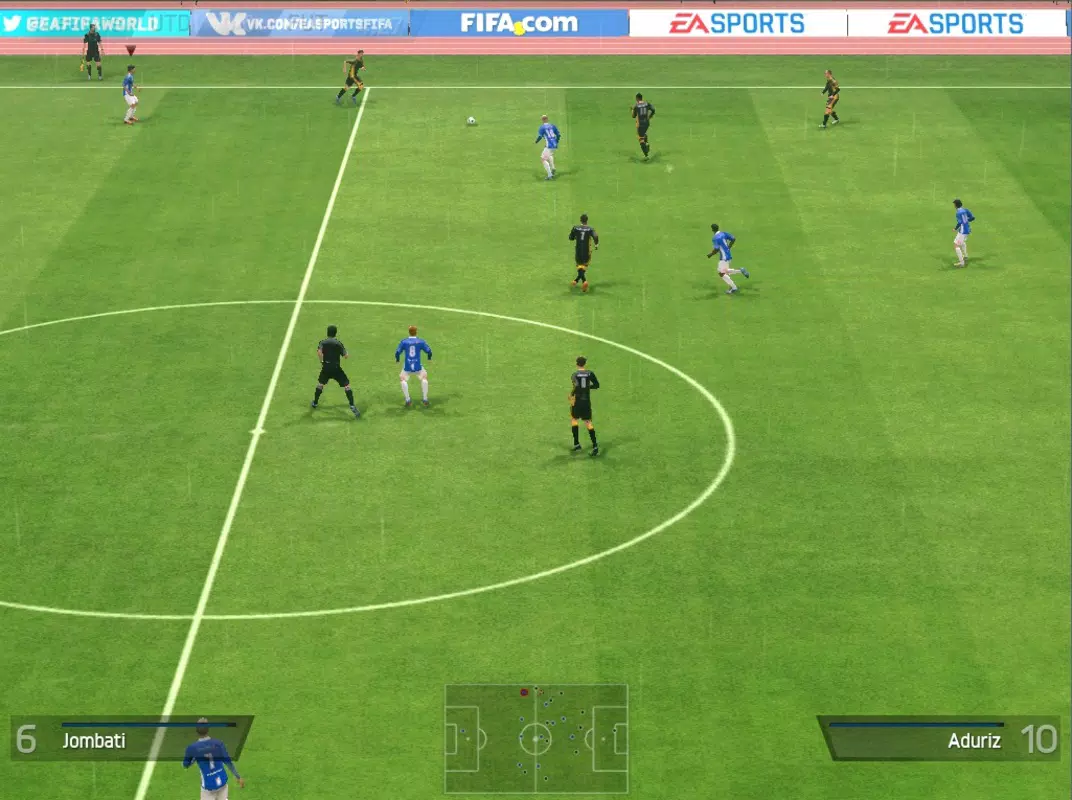
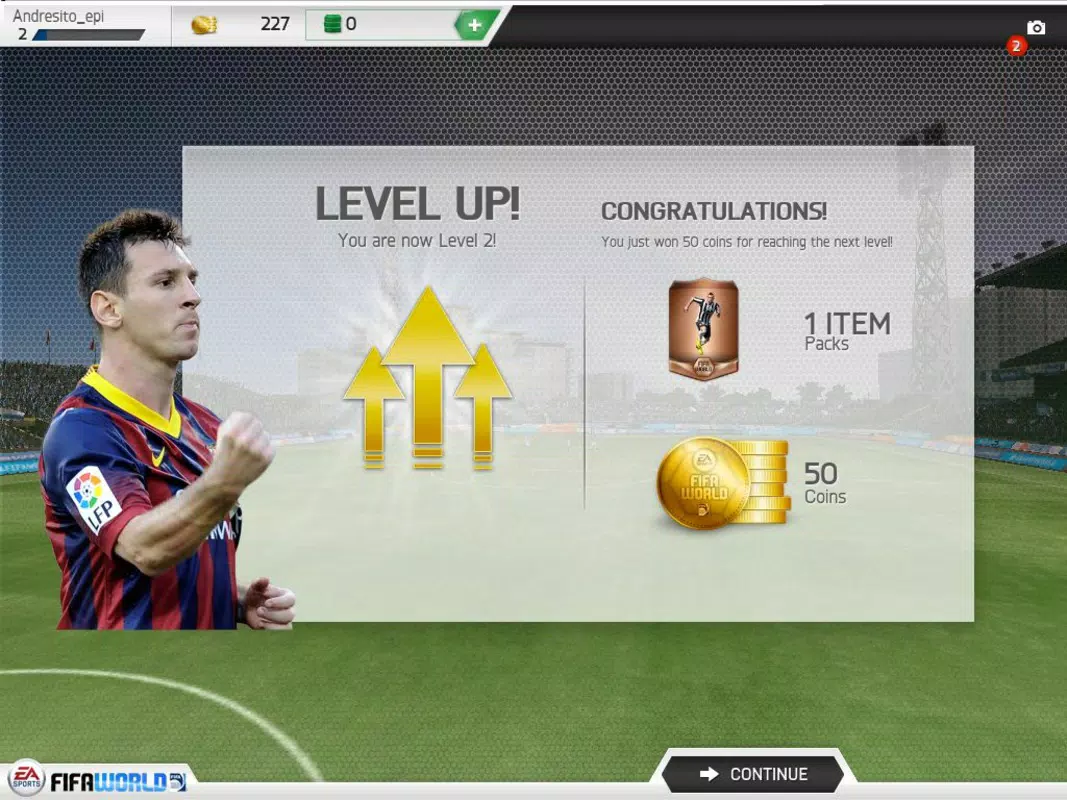
FIFA World revolves around several core mechanics that drive player engagement. The ability to create a custom team allows users to express individuality by selecting unique names, emblems, and uniforms—adding a personal layer to the gaming experience. The card collection system is central to gameplay, where players unlock player cards from bronze, silver, or gold envelopes. These cards represent real or fictional footballers and contribute to team strength, skill, and strategy. Progression is achieved by earning coins through match victories, promoting a fair, non-pay-to-win environment. The game emphasizes Ultimate Team mode as its primary focus, offering a structured challenge that blends team management with tactical football simulation. Players can perform various skills such as long passes, feints, and ball control, which contribute to match realism and decision-making depth. Although the mechanics may not match the polish of FIFA 14, they provide a functional and engaging simulation experience suitable for mobile play. These features collectively support extended gameplay sessions and encourage repeated use, especially for fans of team-building and competitive strategy.Gameplay Use Cases
- Building a dream team from scratch using customizable branding elements.
- Collecting rare player cards by winning matches and opening envelopes.
- Competing in online or local matches to earn coins and improve team rankings.
- Strategizing player formations and skill usage to gain an edge in high-stakes games.
- Engaging in long-term progression by upgrading team capabilities over time.
Interface, UX & Performance
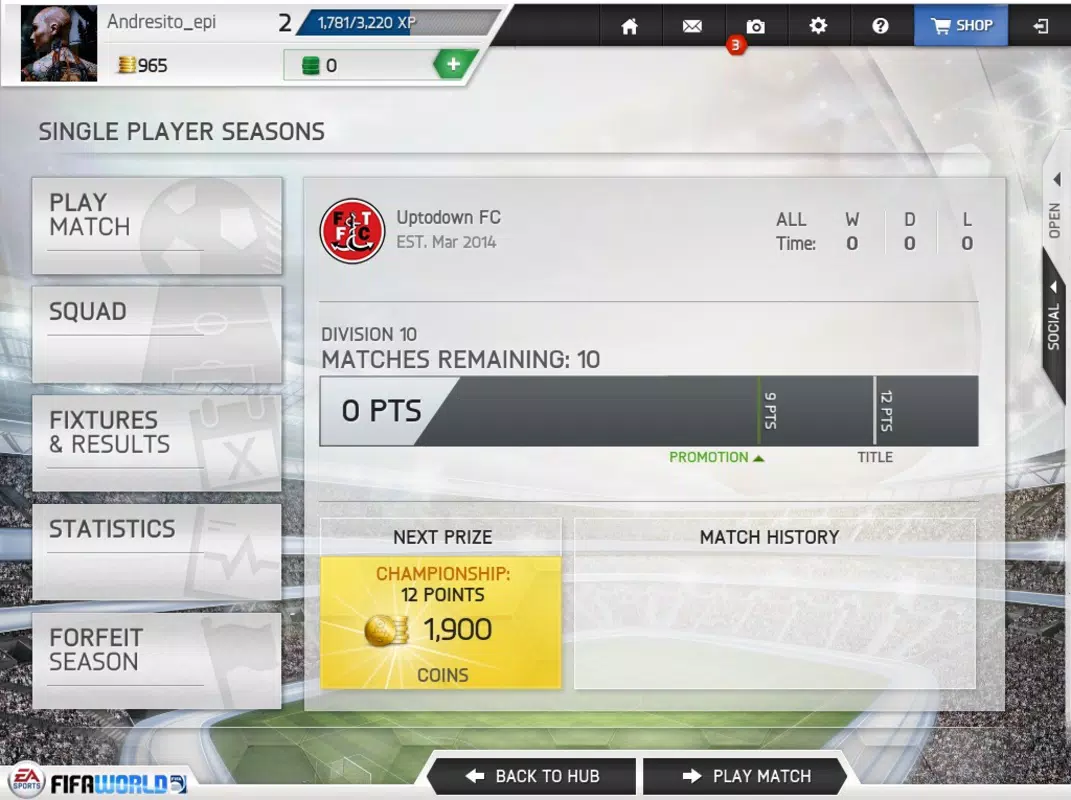
The user interface of FIFA World is designed for intuitive navigation, with clear menus and visual cues guiding players through team creation, card collection, and match selection. The visual style maintains a consistent football theme, using familiar colors, fonts, and iconography associated with sports gaming. Navigation flows logically from the main dashboard to team customization, card management, and gameplay screens. Users can access key functions with minimal taps, enhancing overall usability. Although the developer did not list formal performance metrics, the app appears optimized for a range of mobile devices, supporting smooth transitions and responsive controls during matches. The interface remains stable during gameplay, with minimal lag reported in standard use cases. Responsiveness is maintained across different screen sizes, ensuring accessibility for various smartphone models. Stability is consistent during extended sessions, with no notable crashes or freezes documented. Performance may vary depending on device hardware, but the app functions within expected parameters for mobile applications of its type. The overall experience reflects a balance between visual appeal and functional efficiency.Platform Compatibility & Technical Requirements
FIFA World is available on Android and iOS platforms, designed for mobile devices running the latest compatible operating systems. The app’s file size is approximately 150 MB, making it accessible for users with moderate storage capacity. The software version is not specified, and the developer did not list formal minimum OS requirements or device specifications. Compatibility information was not fully disclosed, so users should verify device compatibility through official app stores. No specific hardware requirements were provided, but the app is likely optimized for standard smartphones and tablets. The release date of the app is March 11, 2014, indicating it has been in circulation for over a decade. Despite its age, the app remains available for download, suggesting ongoing support or maintenance. Users should ensure their devices meet general mobile app standards to install and run the application successfully.Pros and Cons
- Free-to-play model with no upfront cost.
- Custom team creation with personal branding options.
- Engaging card collection system with multiple rarity levels.
- Accessible gameplay suitable for casual and mobile users.
- Focus on Ultimate Team mode for long-term engagement.
- Game mechanics may lack polish compared to official FIFA titles.
- Outdated release date raises concerns about current support.
- No official information on minimum OS or device requirements.
- Performance may vary on older or low-end devices.
- Limited developer transparency regarding updates and maintenance.


